


1.安装工具
我们使用Anacoda,与Pycharm,来管理Python项目。在有些时候,我们需要在第二台电脑上,配置一个与原项目相同的环境,用于继续开发或者运行,所以我们需要具体快速复现python环境这个需求。
在此前之前,确保准备工作已经完成:
1.确认Python版本
2.确认requirement文件已经生成。
2.案例演示
1.确认Python版本
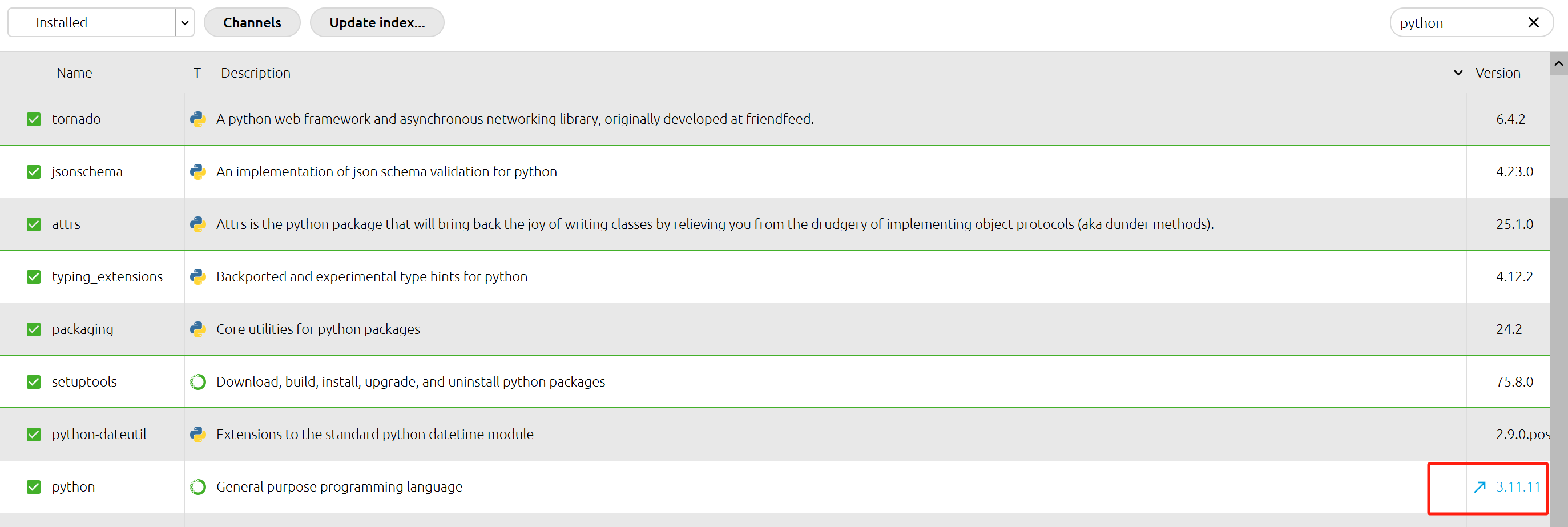 确认Python版本号为:3.11.11
2.确认re文件已经生成
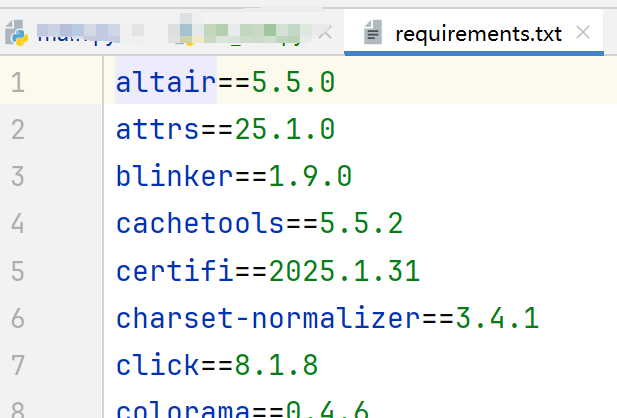
3.在新的环境创建同版本python
4.配置conda
打开Anaconda Prompt,首先切换到刚刚创建的环境。
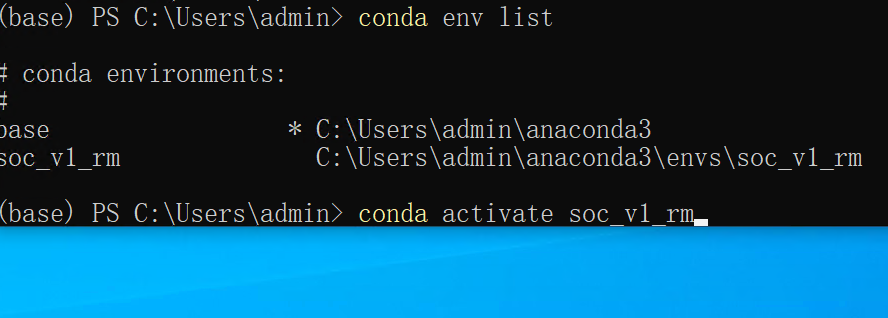
切换源,现在安装好之后,可能默认就是清华源,可直接使用。
conda config --add channels https://mirrors.tuna.tsinghua.edu.cn/anaconda/pkgs/main/

conda config --add channels https://mirrors.tuna.tsinghua.edu.cn/anaconda/pkgs/free/

conda config --add channels https://mirrors.tuna.tsinghua.edu.cn/anaconda/pkgs/r/

conda config --add channels https://mirrors.tuna.tsinghua.edu.cn/anaconda/pkgs/pro/

conda config --add channels https://mirrors.tuna.tsinghua.edu.cn/anaconda/pkgs/msys2/

conda config --set show_channel_urls yes
使用 conda install pip。然后使用pip 安装包。
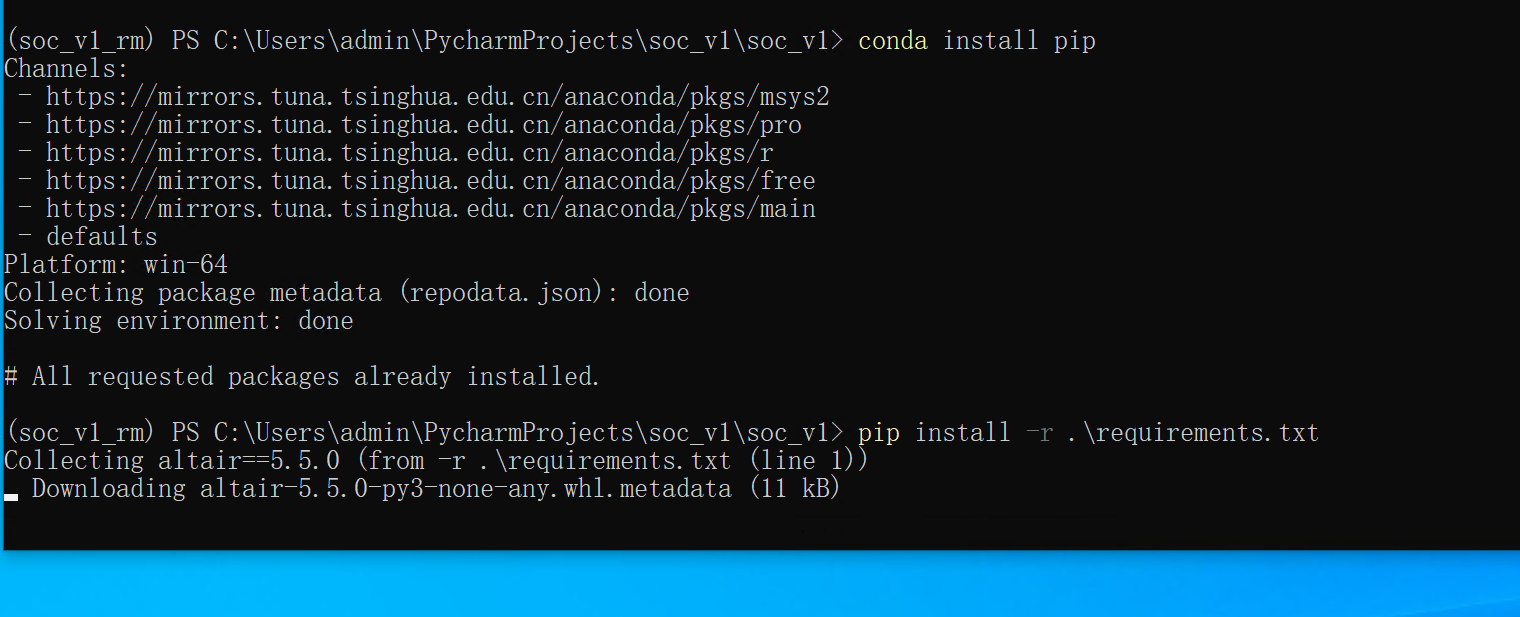
5.配置Pycharm
我们需要在Pycharm中打开对应的项目,然后选择刚刚所创建的环境。
